No subscriber or sending caps
Mail 500 people or 500,000. PigeonPress never counts contacts or charges for them.
PigeonPress is the WordPress email marketing plugin with no subscriber or sending caps. Build emails from your own posts, send through Amazon SES or SMTP, and pay your provider’s rate, not a per-contact tax.
Switching from MailPoet? See how →
What it is
PigeonPress is a WordPress email marketing and newsletter plugin with no subscriber or sending limits. You send through your own provider (Amazon SES, any SMTP server, or WordPress’s own mail), so you pay your provider’s rate, not a per-contact fee. It turns posts, custom post types and ACF fields into email content, and imports everything from MailPoet in one step.
From the WordPress plugin screen, or wp plugin install pigeonpress --activate. A Get Started checklist takes it from there.
Paste your Amazon SES keys or SMTP details. They’re stored encrypted, and bounces and complaints are handled for you.
Import subscribers (CSV or MailPoet), drop a signup form on your site, design an email and hit send.
Everything in the free plugin
Mail 500 people or 500,000. PigeonPress never counts contacts or charges for them.
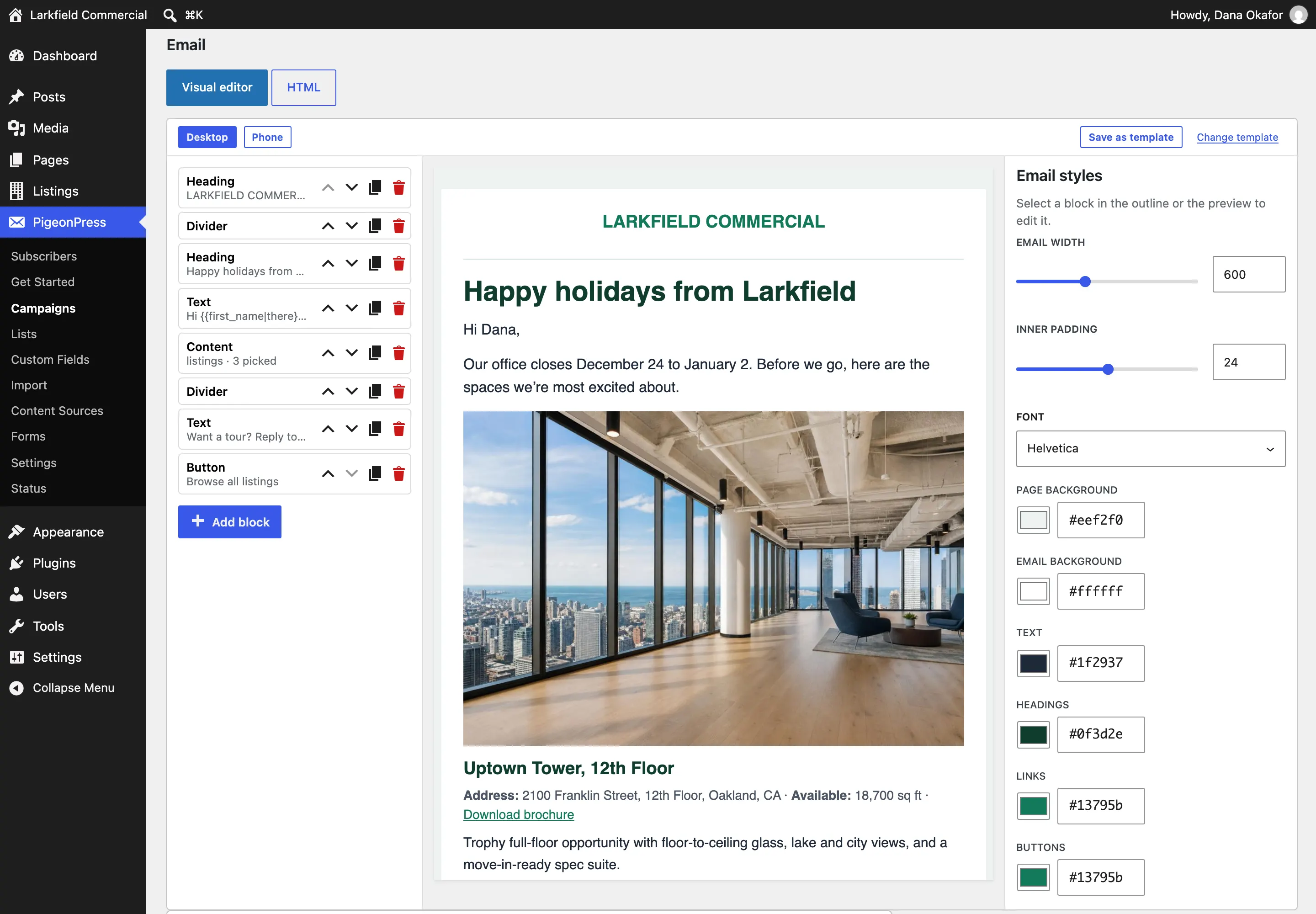
Blocks, columns, buttons and images, with a live preview rendered by the same code that sends the email. Desktop and phone views.
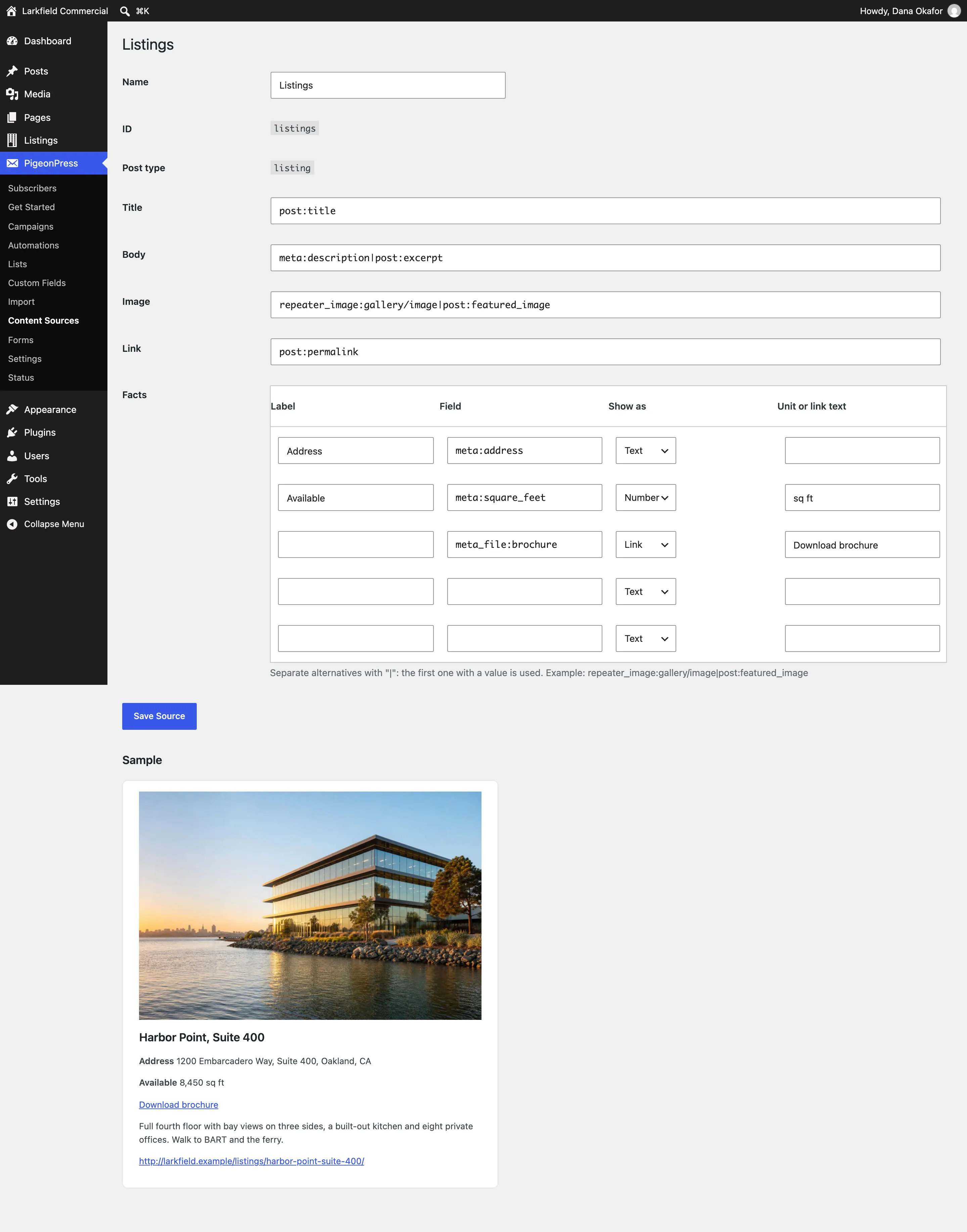
Pull posts, listings, products or any post type into an email, custom fields and ACF included. Pick by hand or take the latest.
A block or shortcode, double opt-in on by default, spam protection without a captcha, and they work on cached pages.
Re-send a campaign to the people who didn’t click, and skip anyone you mailed in the last few days.
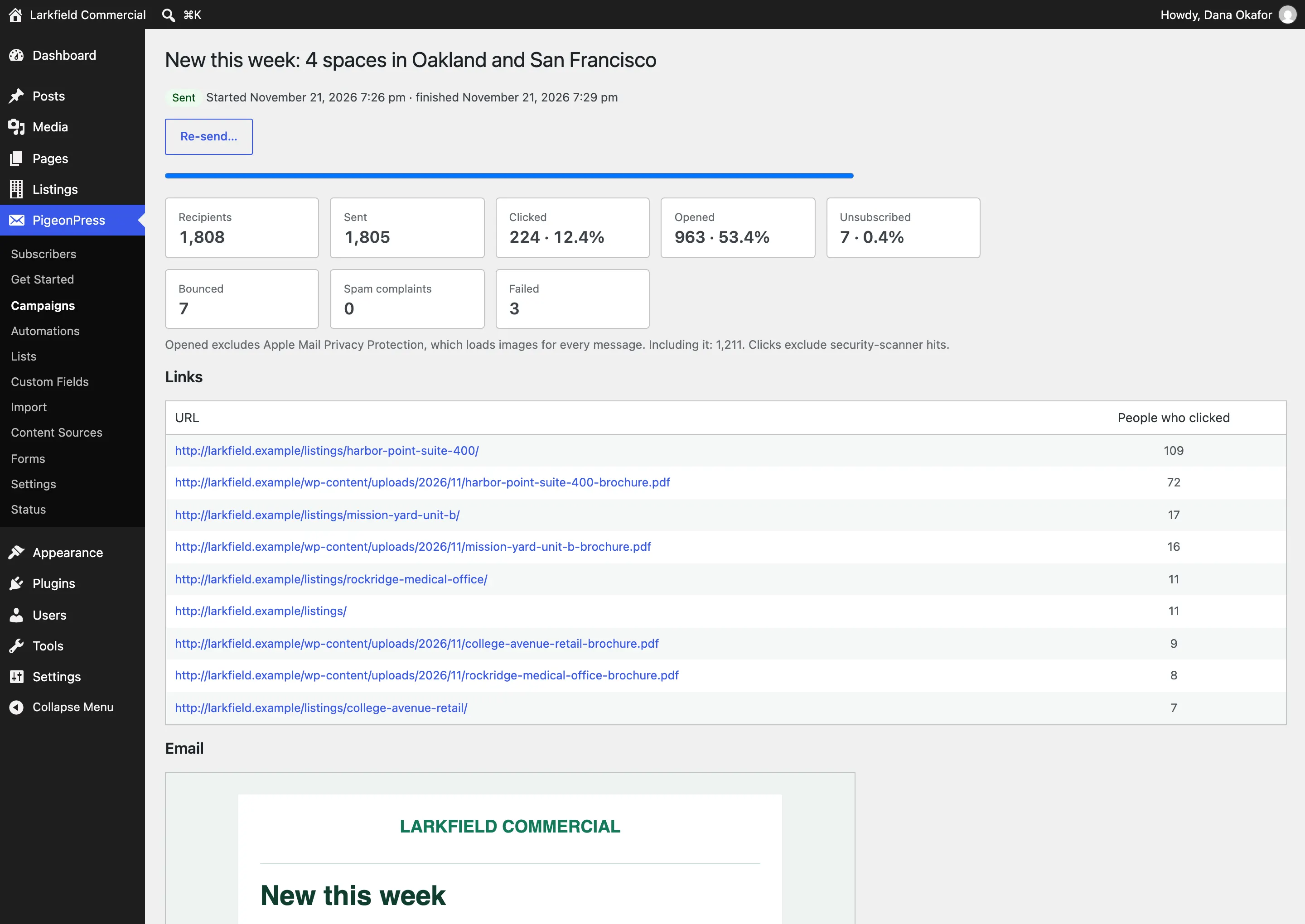
Opens and clicks with Apple Mail Privacy Protection and link scanners filtered out of the headline numbers.
One-click unsubscribe headers (RFC 8058), plain-text parts, bounce and complaint handling, and a suppression list.
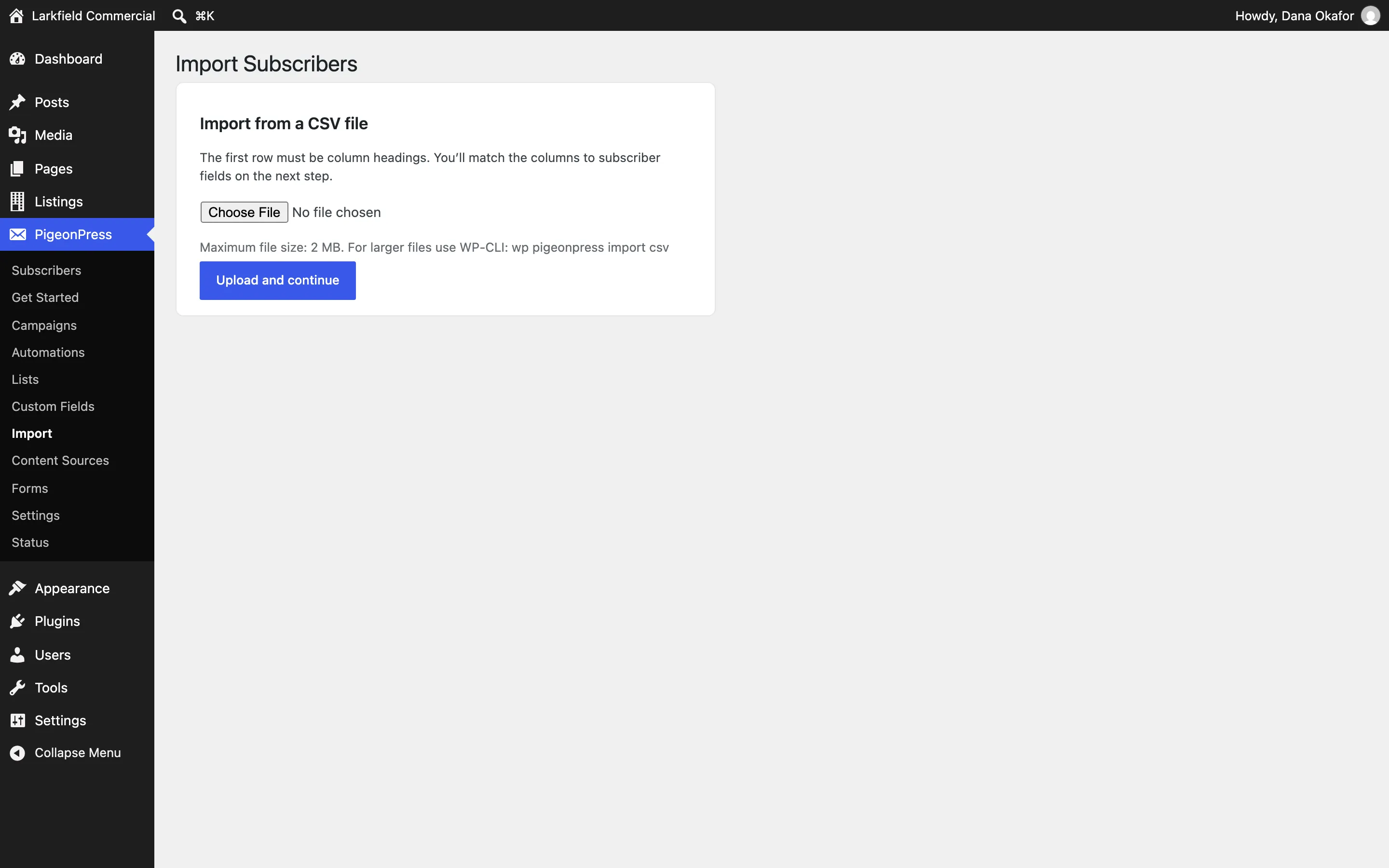
Lists, fields, subscribers and consent come across, even if MailPoet is unlicensed. Links in old MailPoet emails keep working.
Import, export, send, pause, re-send and run the queue from the command line.
Map a post type’s fields once: title, image, price, square footage, brochure, anything in custom fields or ACF. Then drop the latest posts, or hand-picked ones, into any email as a list, stack or grid.
The preview is rendered by the same code that sends, so what you see is what lands. Columns and grids stack on small screens, buttons are bulletproof, and every email gets a plain-text part.

Apple Mail Privacy Protection opens and security-scanner clicks are recorded but kept out of the headline numbers, so you see who actually read and clicked.
Do the math
Other tools charge more as your list grows. With PigeonPress the plugin costs nothing; you pay Amazon SES about ten cents per thousand emails.
Plugin and service fees are regular list prices on monthly billing, checked 2026-11-24. Amazon SES at $0.10 per 1,000 emails.
Leaving MailPoet?
Yes. The plugin is free and open source (GPL) and never limits subscribers, lists or emails. You pay your sending provider directly: with Amazon SES that is about $0.10 per 1,000 emails, so 10,000 subscribers mailed weekly costs roughly $4 a month.
Amazon SES (with bounce and complaint handling built in), any SMTP server, or WordPress’s own wp_mail setup. Postmark and SendGrid support is planned for Pro, and developers can add any provider through a filter.
Yes. The importer copies lists, custom fields, subscribers with their consent data and list memberships, and puts MailPoet unsubscribes and bounces on the suppression list. It works even when MailPoet is deactivated or unlicensed, and links in emails MailPoet already sent keep working afterwards.
No code. A Get Started checklist walks you through sender details, connecting a provider, bounce handling and your first campaign. Setting up SES takes about 20 minutes the first time; if your host already gives you SMTP, you can use that instead.
WordPress 6.5 or newer and PHP 8.1 or newer. Multisite is supported. For steady sending, run the queue from a system cron job every minute; WP-Cron works as a fallback.
Automations (welcome emails, new-post notifications and digests, re-engagement emails), segments, more sending providers built in and more content presets. Everything else on the features page is in the free plugin. Join the waitlist to hear when Pro launches.
PigeonPress is free, with no subscriber caps. Get it the day it lands on WordPress.org.